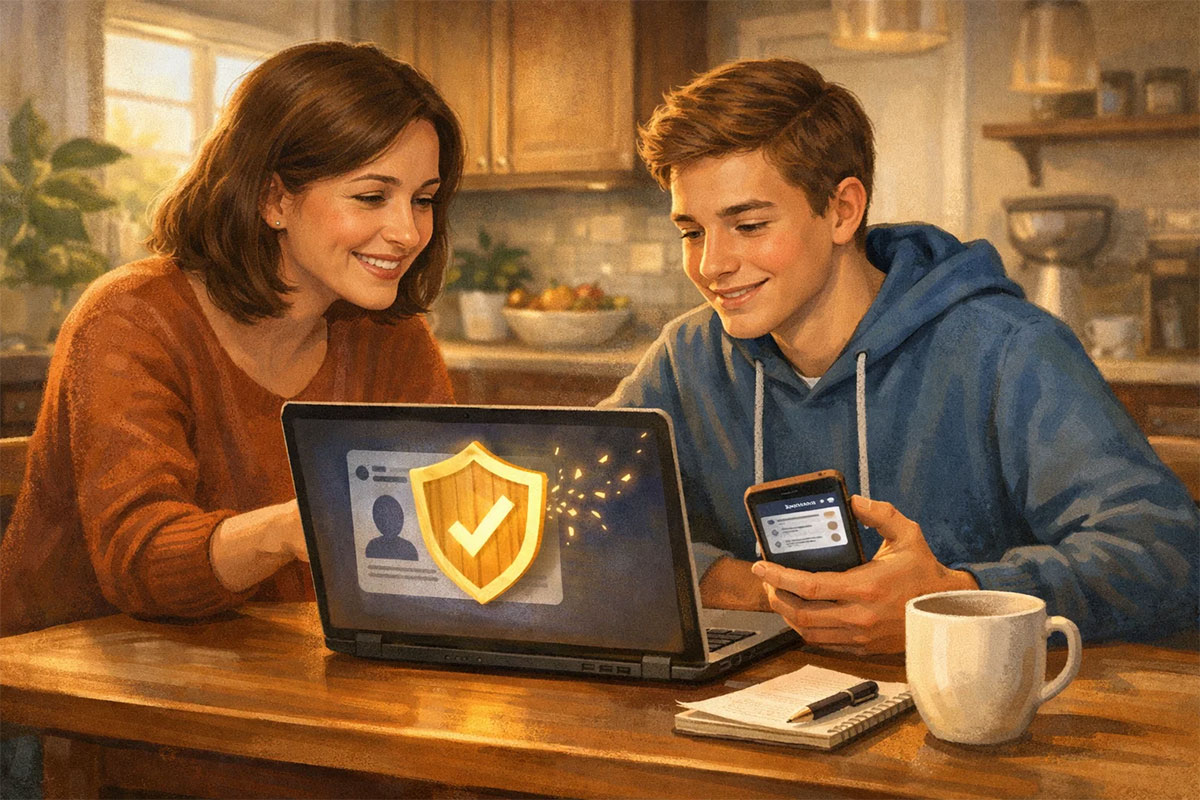
The Privacy Check: Securing Your Child’s Social Media from AI Data Scrapers (Without Turning You Into the “No-Fun” Parent)
Emotional and problem-focused introduction
You don’t need another lecture about screen time. You already know your child scrolls too much. The problem that sneaks up on parents now is different—and it’s the one that feels unfair.
Your kid shares something normal: a birthday photo, a school award, a “first day” selfie, a sports clip, a goofy comment under a friend’s post. Nothing shocking. Nothing “dangerous.” But the internet doesn’t treat it like a fleeting moment. Public social content is easy to copy, archive, and collect at scale—sometimes by data brokers, sometimes by random bots, sometimes by companies building AI systems trained on large pools of online text and images.
The post can outlive the mood, the friendship, the phase… and your child’s ability to control it.
Here’s the uncomfortable part: even if you trust your child, you can’t trust everyone else’s automation. Scrapers don’t care about context. They don’t care that your child is 14. They don’t care that a location tag reveals a routine. They just collect what’s accessible.
This article is a “privacy check,” not a panic manual. We’ll focus on the moves that give you disproportionate protection for minimal conflict—so you can reduce scraping risk without turning home into a surveillance state.
Table of Contents
- What “AI data scraping” actually means for a teen’s social media
- The high-leverage privacy settings most parents skip
- A simple threat model: what you’re protecting, and from whom
- A real-life privacy check scenario (the conversation that doesn’t explode)
- The balanced view: safety gains, trade-offs, and what not to do
- FAQ
What “AI data scraping” actually means for a teen’s social media
When people hear “scraping,” they imagine a hacker in a hoodie. In real life it’s usually boring automation: software that visits pages, reads what’s visible, and stores it—over and over—at massive scale. If a profile is public, scrapers can often collect usernames, bios, profile photos, posts, captions, comments, follower lists, and engagement patterns.
And if a teen’s friends keep their accounts public, your child can show up in their posts too. That’s what makes this so tricky: you can do everything right, and still get pulled into someone else’s “public” world.
Now add AI to that pipeline. Once content is collected, it can be reused in many ways: training datasets, search indexes, “people lookup” profiles, targeted advertising segments, or even scam scripts tailored to teen interests. AI doesn’t need your child to be famous to cause harm—it just needs the content to be easy to gather.
Two truths can exist at once:
- Truth #1: Your child deserves a social life and a creative outlet online.
- Truth #2: Public-by-default settings turn normal teen behavior into a long-term data footprint.
Privacy isn’t secrecy. It’s control—over who gets to keep a copy of your life.
Here’s the mental shift that helps: you’re not trying to “hide” your child from the internet. You’re trying to reduce unintended distribution. There’s a difference between “my friends can see this today” and “unknown systems can store this forever.”
If you want a broader lens on how AI shifts privacy boundaries, this TrendFlash piece is a strong companion read: Digital Borders: How AI Is Redefining Privacy & Security.
The high-leverage privacy settings most parents skip
Parents often start with the wrong lever. They negotiate “time limits” but leave the account public. Or they ban an app, but forget the same child is posting the same info on another platform. A better approach is a quick, repeatable set of privacy defaults that travel well across Instagram, TikTok, Snapchat, YouTube, and whatever comes next.
These are the settings that give the biggest protection for the least family drama—because they reduce what a scraper can see without requiring your child to stop posting.
1) Make the account private (and keep it that way)
A private account is the most powerful “scrape reducer.” It blocks the easiest automated collection: bulk downloading posts, captions, and visible profile data. Private doesn’t mean “perfect,” but it changes the math. It turns your child’s content from “easy to collect” into “harder to access.”
2) Lock down messaging and “who can contact me”
A lot of parents obsess over what their teen posts, but the bigger risk can be who can reach them. Tight DM settings reduce social engineering—messages that pretend to be a friend, a fan, a brand, or a peer. The goal isn’t to isolate your child. It’s to reduce random inbound contact from accounts that have no real relationship to them.
3) Turn off downloads, resharing, and remixing (where possible)
Some platforms allow others to download, remix, stitch, duet, or reuse content. Even when “downloads off” is enabled, screen recording exists. But turning these settings off still reduces casual copying and reduces how easily content is reused by strangers at scale.
4) Remove location from the whole system, not just the post
Location leaks don’t always look like location leaks. It’s not only “tagging a place.” It’s also background permissions, “nearby” exposure, routine patterns, and content cues (school uniforms, street names, regular hangouts). Your goal is to stop accidental routine broadcasting.
5) Clean the profile: bio, school, phone/email, birthday, links
A bio is a scraper’s dream because it’s structured. If your child’s bio includes a school name, graduation year, city, team name, or a consistent username used across apps, it becomes easier for outsiders to connect dots across platforms.
For families also dealing with deepfakes and AI-driven scams, these two TrendFlash guides pair perfectly with this privacy check: The Digital Defence Kit and Deepfake Defense.
A simple threat model: what you’re protecting, and from whom
You don’t need to become a cybersecurity expert. You just need a simple threat model—something you can explain to your child in two minutes without sounding like a conspiracy documentary.
What you’re protecting (assets):
- Identity links: real name + school + city + face + consistent username
- Routine signals: where they go, when, with whom
- Social graph: friends and family connections (valuable for scams)
- Embarrassment fuel: posts that are “fine at 14” but painful at 19
- Contact channels: DMs, comment access, story replies
Who you’re protecting against (common “adversaries”):
- Scraper bots and data brokers: collect public info at scale
- Scammers: use scraped context to craft believable messages
- Predatory accounts: try to initiate contact, pressure, or manipulation
- Over-curious strangers: classmates, local adults, “friend of a friend”
- Future you: the version of your child who wants their old content gone
Why mention AI specifically? Because AI makes reuse cheaper. A scammer can generate 200 personalized messages instead of 10. A collector can label and sort images faster. A harmful actor can search for patterns (school logos, uniforms, location cues) at a scale humans never could.
| Area | Public / Loose Setting | Private / Tight Setting | What it changes |
|---|---|---|---|
| Account visibility | Public profile, open followers | Private + approve followers | Blocks bulk collection of posts/captions |
| Messaging | Anyone can DM | Friends only / people you follow | Reduces social engineering entry points |
| Resharing/Downloads | Downloads/remixes on | Downloads/remixes off | Reduces casual copying and reuse |
| Location | Location tags + routine clues | No tags + restricted permissions | Limits routine and place-based profiling |
| Profile identifiers | School/team/city in bio | Minimal bio + no school markers | Makes cross-platform matching harder |
A real-life privacy check scenario (the conversation that doesn’t explode)
Let’s do the realistic version, not the fantasy version where your teen smiles and says, “Thank you for protecting me, parent.”
Scenario: Your daughter is 15. She’s on Instagram and TikTok. She’s not doing anything “bad.” She posts dance clips, school-event photos, and inside jokes with friends. Her account is public because “otherwise nobody will follow me,” and she wants her edits to get seen. You’ve heard enough stories about bots, deepfakes, and creepy DMs to feel uneasy—but you also remember being 15 and wanting the world to stop watching your every move.
You choose a calm moment—Saturday afternoon, not right after a fight. You sit down and say something like:
I’m not here to police you. I’m here to reduce the number of strangers and bots who get a copy of your life.
That sentence matters. It signals respect. Then you make it collaborative.
- Step 1: Ask her to show you how she uses the app—who she follows, what she posts, what she saves. No judging. Just understanding.
- Step 2: Introduce the “two audiences” idea: friends vs. unknown systems. Keep it logical, not scary.
- Step 3: Propose a two-week experiment: “Let’s try private for 14 days and see what breaks.”
- Step 4: Offer a smart compromise: a separate public “portfolio” account with no face, no school references, and no location—while the personal account stays private.
- Step 5: Make changes together: private account, DM restrictions, remove school from bio, disable downloads/remixes, turn on tag approvals.
Then talk about the friend factor. Even if your child is careful, a friend can post a group photo publicly and tag everyone. So you agree on a low-drama script your teen can use:
“Hey, can you post that to Close Friends / private? Or don’t tag me?”
The win here isn’t perfect privacy. It’s lowering exposure while preserving trust. If you turn this into control, your child will work around you. If you turn it into a shared skill, your child starts protecting themselves—even when you’re not around.
If you want a deeper framework for parent-friendly AI + school safety discussions, this TrendFlash guide fits well: AI in Schools (Parents’ Complete Guide).
The balanced view: safety gains, trade-offs, and what not to do
Privacy advice often swings between two extremes: “Lock everything down” or “Kids will be kids.” Real parenting lives in the middle. So let’s be honest about what this privacy check can and can’t do.
The upside (why it’s worth doing)
- Less scrapeable surface area: private profiles reduce bulk collection.
- Fewer unwanted contact attempts: tighter messaging reduces scam and predator entry points.
- Lower reputational risk: fewer public posts means fewer future regrets.
- Better habits early: teens who learn privacy skills now carry them into adulthood.
The trade-offs (what your child will feel)
- Reduced discoverability: private accounts may grow slower, which can feel intense socially.
- Social friction: asking friends to remove tags can feel awkward.
- False confidence risk: private doesn’t stop screenshots or leaks.
What not to do (mistakes that backfire)
- Don’t turn it into constant surveillance. Teens rebel against control, not safety.
- Don’t rely on policies alone. Your settings matter more than promises.
- Don’t use fear as your main tool. Fear fades; skills last.
And here’s the broader truth: AI makes misuse cheaper. That’s why the best approach stays grounded—tighten what you can, teach what you can, keep your teen on your side.
The 15-Minute Privacy Check (Checklist)
- ✅ Set account to Private
- ✅ Review follower list; remove unknown/old accounts
- ✅ Set DMs to Friends only / “people you follow”
- ✅ Turn off downloads/reshare/remix (where available)
- ✅ Disable location permissions for the app + stop location tags
- ✅ Remove school/team/city from bio; hide phone/email
- ✅ Turn on tag/mention approval
- ✅ Archive old posts that reveal routine, uniforms, addresses, daily travel routes
If you also want the “bigger security picture” for families (and later, workplace habits), these TrendFlash posts are excellent add-ons: AI-Powered Cybersecurity and Employees Are Leaking Data Into AI Tools.
FAQ
1) If my child’s account is private, can AI still scrape their content?
A private account massively reduces large-scale scraping because the content isn’t openly visible. That’s the biggest win. But “private” isn’t the same as “impossible.” Content can still leak through screenshots, re-uploads, or friends sharing group photos publicly and tagging your child. Private is best viewed as a strong default that blocks easy bulk collection—not a perfect invisibility cloak.
The real goal is to reduce exposure and make collection harder, slower, and less profitable. When you combine privacy settings with follower cleanups and tag approvals, you reduce the “unknown systems can keep a copy forever” risk dramatically.
2) Which settings matter most: private account, DMs, or removing location?
If you can only do one thing, make the account private. It’s the biggest reducer of scrapeable surface area. If you can do two things, add DM restrictions. Many harms come from contact: strangers using context to start conversations and extract more personal info.
Location comes next because patterns matter. A location tag doesn’t just say “we went here.” Over time it can reveal routines—where your child goes after school, what days they practice, who they meet, and when they’re likely to be in a specific place. So: private first, DMs second, location third, then bio cleanup and tag approvals.
3) Should my child delete old posts to reduce scraping risk?
Deleting can help, but it’s not a magic eraser. Once something was public, it may already have been copied, cached, or screen-recorded. Still, cleaning up old posts is valuable because it reduces what’s available going forward, and it removes content that reveals routine, addresses, school uniforms, or identifiable daily patterns.
A smart approach is “archive, don’t panic-delete.” Archive anything that contains location clues, school signage, predictable routines, or faces of friends who might not want their image online. Then keep a lighter public footprint going forward (or keep public content limited to a separate “portfolio” account).
4) Does it help to keep their face off social media completely?
Sometimes, yes—especially for public accounts. But “no face ever” can be unrealistic for many teens, and it can create a rebellion loop. A better compromise is context control: if your child wants a public presence, keep it “brand-like,” not “life-like.” That means no school, no location, no daily routines, and no personal identifiers in the bio.
For private accounts, it’s less about banning faces and more about controlling the audience. The real question is: “Who can see this?” and “Can this be easily repurposed?” Reduce the repurposing risk first; then decide what level of identity visibility fits your family.
5) How do I talk to my teen about this without triggering rebellion?
Open with respect: “I’m not trying to police you. I’m trying to reduce how many strangers and bots get a copy of your life.” Then make it collaborative. Ask them to teach you how they use the app. Don’t interrupt with judgment. Once they feel understood, they’re more willing to cooperate.
Also: offer experiments, not permanent bans. A two-week privacy test is easier to accept than “forever.” Let your teen keep autonomy inside boundaries: they can choose what gets archived, what stays, and what a “safe post” looks like. Your goal is a teen who can protect themselves without you—not a teen who learns to hide things better.
6) What’s the single biggest mistake parents make with online privacy?
Turning safety into surveillance. When privacy conversations become interrogations, teens stop sharing—and then you lose the chance to teach skills. The second biggest mistake is focusing only on what the child posts and ignoring what friends post about them. Tags, mentions, group photos, and public friend accounts can undo your best efforts.
The healthiest approach is skills-first: make privacy “normal,” like brushing teeth. You don’t have to be dramatic. You don’t have to shame them. You just build habits: private by default, tag approvals on, location off, and follower lists cleaned regularly.
About the Author
Girish Soni is the founder of TrendFlash and an independent AI strategist covering artificial intelligence policy, industry shifts, and real-world adoption trends. He writes in-depth analysis on how AI is transforming work, education, and digital society. His focus is on helping readers move beyond hype and understand the practical, long-term implications of AI technologies.