Introduction: Upgrade Your Brain Software
In 2025, the definition of a "good student" has changed. It's no longer about who can sit in the library the longest; it's about who has the best workflow. We are witnessing the biggest shift in education since the invention of the calculator: the rise of the AI-Augmented Learner.
Imagine having a private tutor who never sleeps, a note-taker who captures every word of your professor's rapid-fire lecture, and a quiz master who knows exactly which fact you are about to forget—all in your pocket. This isn't cheating; it's efficiency. Just as you wouldn't do long division by hand when you have Excel, you shouldn't be manually summarizing 50-page PDFs when you have AI.
We have tested dozens of apps to bring you the definitive 2025 AI Learning Stack. These aren't just random chatbots; they are specialized tools categorized by the specific study pain points they solve.
Category 1: The "Concept Clarifiers" (Replacing Tutors)
When a textbook definition makes zero sense, these tools break it down into plain English. They are your first line of defense against confusion.
1. ChatGPT (with Canvas Mode)
Best For: Writing feedback and Socratic tutoring.
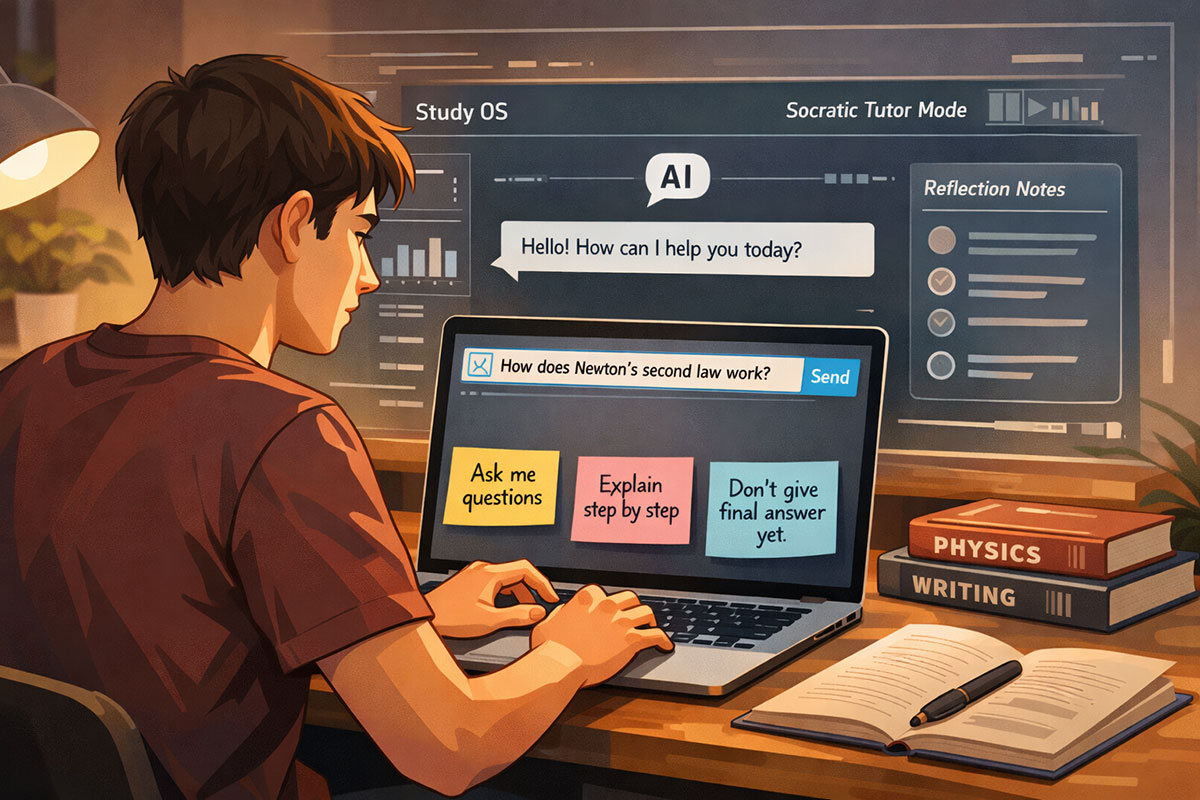
While everyone knows ChatGPT, the 2025 "Canvas" interface is a game-changer for students. Instead of a chat stream, it opens a dedicated workspace where you can highlight specific sentences in your essay or problem set.
Pro Workflow: Paste your draft essay into Canvas. Highlight a paragraph and click "Adjust Reading Level" to make it academic, or ask "Is my argument here logically sound?" It acts like a professor grading your draft before you submit it.
2. Google Gemini 3
Best For: Visual and Multimodal Learning.
Gemini shines when text isn't enough. Its multimodal capabilities allow you to upload a photo of a complex diagram from your biology textbook or a handwritten math equation.
Pro Workflow: Snap a picture of a chemical structure. Ask Gemini: "Explain how this molecule bonds, and give me a real-world analogy for how it works." It connects visual data to conceptual understanding better than any text-only model.
3. Perplexity
Best For: Accurate Research and Citing Sources.
Standard chatbots hallucinate. Perplexity is different; it functions as an answer engine. It browses the live web and—crucially—cites its sources with footnotes.
Pro Workflow: "What are the latest critiques of Modern Monetary Theory from 2024-2025?" Perplexity will give you a summary and links to the academic papers or articles where it found the info. This is essential for writing bibliographies.
Category 2: The "Note-Taking Ninjas" (Replacing Manual Summaries)
Stop frantically typing during lectures and missing the actual point. Let AI listen for you.
4. Otter.ai
Best For: Lecture Transcription.
Otter records audio and generates a searchable text transcript in real-time. It distinguishes between different speakers (e.g., "Professor" vs. "Student").
The "Saved My Life" Feature: You can search the audio. If you remember the professor mentioned "Midterm" but forgot when, just search the word "Midterm," and Otter jumps to that exact second in the recording.
5. Notion AI
Best For: Organizing and Structuring Knowledge.
Notion is likely already your workspace, but its AI features turn it into a second brain. You can dump messy brain-dumps, pasted articles, or raw transcripts into a page.
Pro Workflow: Highlight your messy notes and click "Ask AI" -> "Summarize into a study guide with bullet points and bold key terms." It instantly formats chaos into a revision sheet.
6. Mindgrasp
Best For: Turning Content into Quizzes.
A rising star in 2025, Mindgrasp is versatile. You can upload almost anything—a PDF, a YouTube video link, or a Zoom recording. It doesn't just summarize; it creates flashcards and quizzes based exclusively on that material. It’s perfect for checking if you actually understood the lecture.
Category 3: The "Homework Heroes" (Problem Solving)
Stuck on a math equation or a physics formula? These tools show the work, helping you learn the process, not just get the answer.
7. Wolfram|Alpha
Best For: STEM and Advanced Math.
This is not a standard LLM; it's a computational knowledge engine. It is unmatched for solving complex calculus, algebra, and physics problems.
Why Use It: ChatGPT might guess at a math answer (and be wrong). Wolfram calculates it. It provides step-by-step logic, showing the derivation, integration, and graph plotting.
8. Socratic (by Google)
Best For: Mobile Help on the Go.
A visual learning tool perfect for your phone. Snap a picture of your homework question, and Socratic finds the best online resources, YouTube videos, and step-by-step guides to help you solve it. It’s like having a TA in your pocket.
Category 4: The "Memory Masters" (Flashcards & Recall)
Active recall is the most effective way to learn. These tools automate the boring part of making cards so you can spend time studying them.
9. Quizlet AI
Best For: The Classic Experience, Upgraded.
Quizlet has integrated "Q-Chat," an AI tutor that quizzes you conversationally. Instead of just flipping a card, the AI asks you a question. If you get it wrong, it doesn't just say "Wrong"; it gives you a hint to help you get to the answer yourself.
10. Studley AI
Best For: Gamification and Spaced Repetition.
Studley is a dedicated student assistant that gamifies the learning process. It can take a syllabus and generate a spaced-repetition schedule to ensure you never cram the night before. It tracks your "brain health" on topics, showing you which ones are fading from memory.
Category 5: The "Content Consumers" (Reading & Listening)
Read faster and retain more by changing the format of your consumption.
11. ChatPDF
Best For: Research Papers and 100-Page PDFs.
Drag and drop any research paper or textbook chapter. You can then "chat" with the document.
Pro Prompts: "What are the 3 main arguments of this author?" "Explain the methodology used in this study as if I were 15." "Find the quote where they mention 'climate impact'."
12. NaturalReader
Best For: Auditory Learners.
Converts any text—PDFs, webpages, eBooks—into high-quality spoken audio.
Use Case: "Study" while you commute, work out, or do laundry. It turns your required reading list into a personal podcast.
Bonus: The "Exam Cram" Workflow
Here is how to combine these tools for a 10x productivity boost the night before a test:
- Record the review session with Otter.ai to ensure you catch every hint the professor drops.
- Upload the transcript + your textbook PDF into Mindgrasp or NotebookLM.
- Generate a "Key Terms" list and a practice quiz from that data.
- Export the terms to Quizlet to drill them on your walk to class.
- Use Perplexity to clarify any single concept you consistently get wrong on the quiz.
A Note on Academic Integrity
With great power comes great responsibility. Using AI to write your essay is plagiarism and will likely be caught by detectors (or simply result in a generic, soulless paper). Using AI to explain concepts, organize your notes, and quiz your knowledge is smart studying. Always use these tools to build your own understanding, not to bypass the learning process.
Related Reading
- The Best Free AI Tools for Students in 2025: Study Notes and Career Boost
- 10 Secret ChatGPT & Gemini Workflows Students Are Using to Study 3x Faster
- AI in Education: How Personalized Learning Models Are Evolving in 2025
- Why Students Fear AI Is Making Them Lazy Learners: The Hidden Downside
- AI in US Classrooms 2025: Are Smart Tutors the Future?
- The Future of Exams: How AI is Redefining Student Assessments
About the Author
Girish Soni is the founder of TrendFlash and an independent AI strategist covering artificial intelligence policy, industry shifts, and real-world adoption trends. He writes in-depth analysis on how AI is transforming work, education, and digital society. His focus is on helping readers move beyond hype and understand the practical, long-term implications of AI technologies.