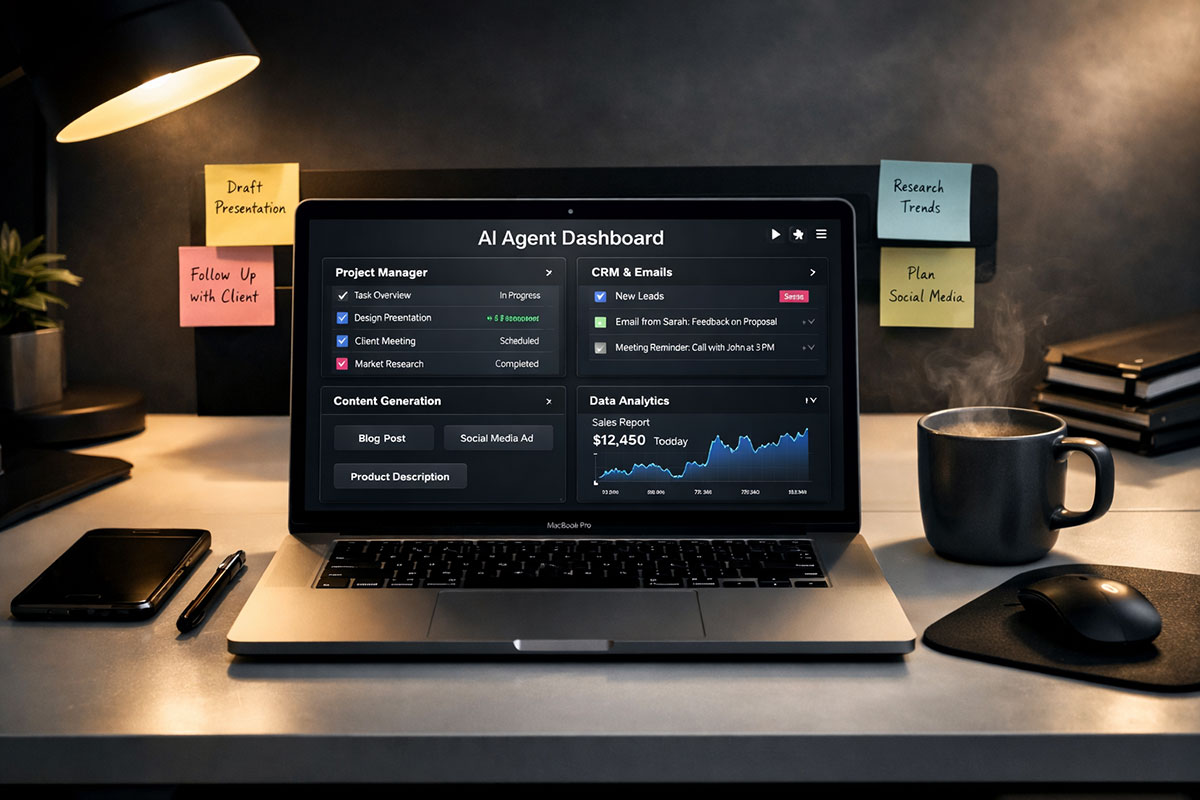
Introduction: The Rise of the "Digital Employee"
If you are still using AI just to write emails or summarize text, you are missing the biggest shift of 2025. We have moved from Chatbots (which talk) to AI Agents (which act). While you sleep, these agents can research competitors, manage your calendar, negotiate prices, and even debug software.
The "FOMO" is real because the barrier to entry has collapsed. You no longer need to be a Python developer to build one. With the new wave of no-code platforms, anyone can spin up a 24/7 digital intern in under an hour. Here is how to build yours today.
What is an AI Agent? (And Why You Need One)
To understand why this is revolutionary, we need to distinguish between a standard LLM (Large Language Model) and an Agent.
Think of ChatGPT as a smart encyclopedia. You ask, it answers. It is passive. It waits for your input.
An AI Agent is different—it is a smart worker. It is active. You give it a goal ("Book me a flight to Tokyo under $800 next month"), and it autonomously:
- Perceives: It reads your email, checks your calendar, and scans travel sites.
- Plans: It breaks the goal down into steps (Check dates -> Compare airlines -> Check visa requirements -> Verify budget).
- Uses Tools: It accesses Skyscanner, reads your Google Calendar, and even drafts emails to your travel partner.
- Executes: It books the ticket (if authorized) and adds it to your schedule.
In 2025, this architecture has become accessible to everyone. You define the "Brain" (the AI model), the "Tools" (apps it can touch), and the "Mission" (what success looks like). The agent handles the rest.
The 2025 No-Code Agent Stack
To build this without writing a single line of code, we will use the "Holy Trinity" of 2025 no-code AI. Choosing the right tool is half the battle.
1. Google Antigravity (The Agentic IDE)
Launched in late 2025 alongside Gemini 3, Google Antigravity is a paradigm shift. It is an "Agent-First" development environment. Unlike traditional coding tools where you type code, here you act as the Architect. You describe the workflow in plain English, and Antigravity spins up autonomous agents to build and execute it. It features an "Artifacts" system where agents present you with plans, checklists, and screenshots for approval before they execute critical tasks.
2. Zapier Central (The Easy Start)
Zapier has evolved from simple automation to full-blown agency. Zapier Central allows you to "teach" an agent by showing it how to use your 6,000+ connected apps. It is the most user-friendly option for beginners. You can literally chat with your agent to correct its behavior: "No, don't save leads with Gmail addresses, only corporate ones."
3. Make.com (The Powerhouse)
Formerly Integromat, Make.com is for those who want visual control. It uses a node-based interface where you can see exactly how data flows from one step to another. If you need complex logic (e.g., "If the email is from a VIP client, text me; otherwise, just add to Trello"), Make is your best bet.
Step-by-Step Tutorial: Building Your First "Market Intelligence" Agent
Let's build a simple but powerful agent that monitors news for a specific topic (e.g., "Crypto Trends" or "AI Regulation") and creates a daily briefing for you in Notion. We will use Zapier Central for this example because of its simplicity.
Step 1: Create Your Agent
Log in to Zapier and navigate to the "Central" tab. Click "New Agent." Give your agent a persona. Let's call him "NewsBot 3000."
Tip: Giving your agent a name and a specific role helps you write better instructions. Treat it like a remote intern.
Step 2: Set the Trigger and Behavior
Instead of the old "If this, then that" logic, you give the agent a Behavior.
Instruction: "Every morning at 8:00 AM EST, I want you to search Google News for the top 5 headlines related to 'Ethereum ETFs'."
You can add negative constraints too: "Ignore any news from unreliable tabloids or press releases."
Step 3: Connect the AI Brain
Select your model. For research tasks, GPT-4o or Claude 3.5 Sonnet are currently the best for reasoning and summarizing. Ensure the agent has permission to use the "Web Browser" tool so it can fetch live data, not just rely on its training data.
Step 4: Define the Data Processing
Now, tell the agent what to do with the information. You don't want 50 links; you want insight.
Instruction: "For each article, write a 1-sentence summary and extract the 'Sentiment' (Positive/Negative/Neutral). Compile this into a daily digest format."
Step 5: Connect the Output (Notion)
Tell the agent where to deliver the work.
Instruction: "Add this digest to my 'Daily News' database in Notion. Tag it with today's date."
You will need to authenticate your Notion account once. The agent can now "see" your database structure.
Step 6: Test and Refine (The Feedback Loop)
Run the agent manually. Did it find relevant news? Did it format the Notion page correctly?
Common Issue: The agent might grab old news.
Fix: Update your instruction: "Only select articles published in the last 24 hours."
The beauty of agents is they iterate based on your feedback. You can chat with it: "NewsBot, you missed a big story today. Please prioritize sources from CoinDesk."
5 Agent Ideas You Can Build This Weekend
Once you master the basics, try these advanced workflows:
| Agent Name | Function | Tools Needed | Why It Works |
|---|---|---|---|
| The Lead Qualifier | Reads contact forms, checks the lead's LinkedIn profile, scores them 1-10, and drafts a personalized email draft. | Zapier + LinkedIn API + Gmail | Saves sales teams hours of manual research. |
| The Meeting Prep | 15 mins before a calendar event, it finds attendees on LinkedIn, summarizes their recent posts, and emails you a "cheat sheet." | Make.com + Perplexity + GCal | Makes you look hyper-prepared in every meeting. |
| The Content Repurposer | Watches your YouTube channel. When a new video goes live, it transcribes it, writes a blog post, and schedules 3 tweets. | Zapier + OpenAI + Twitter | Multiplies your content output by 10x. |
| The Expense Tracker | Reads receipt photos you email to yourself, extracts the Total/Date/Vendor, and logs it to Google Sheets. | Zapier + GPT-4o Vision + Sheets | Automates the most boring part of freelancing. |
| The Competitor Watch | Visits rival pricing pages daily. If a price changes, it takes a screenshot and alerts you on Slack. | Browse.ai + Slack | Keeps you competitive in real-time. |
Cost Analysis: Free vs. Paid
Can you really do this for free?
- The Free Tier ($0): Zapier and Make both offer generous free tiers (usually ~100 tasks/month). This is perfect for personal agents that run once a day. Google Antigravity's preview is currently free for individual developers.
- The Pro Tier ($20-50/mo): If you want an agent checking for leads every 5 minutes, you will hit limits fast. But consider the ROI: A human assistant doing this work would cost $2,000/month. An AI agent subscription is a rounding error in comparison.
Security and Best Practices
Before you unleash your agents, a few warnings:
- The "Infinite Loop" Trap: Be careful not to create a loop where an agent emails you, which triggers the agent to read the email, which triggers a reply, and so on. Always set filters (e.g., "Ignore emails from myself").
- Data Privacy: Be cautious about giving agents access to sensitive client data or passwords. Use "Human in the Loop" settings for critical actions (like sending an invoice or deleting files) so the agent asks for permission first.
The future belongs to those who delegate to AI. You now have the blueprint. Start building your digital workforce today.
Related Reading
- How to Build a Personal AI Assistant Without Coding (2025 Guide)
- Agentic AI: Practical Enterprise Use Cases & How to Build Your First Agent
- Agentic AI in 2025: How Autonomous Systems Are Reshaping Work
About the Author
Girish Soni is the founder of TrendFlash and an independent AI strategist covering artificial intelligence policy, industry shifts, and real-world adoption trends. He writes in-depth analysis on how AI is transforming work, education, and digital society. His focus is on helping readers move beyond hype and understand the practical, long-term implications of AI technologies.