Introduction: The End of Manual Work is Here
If you're still spending hours each week on repetitive tasks like drafting emails, compiling reports, posting to social media, or summarizing meetings, you're working in 2023. The landscape of business productivity has undergone a seismic shift in 2025, with AI workflow automation moving from a luxury to a necessity.
According to recent workflow automation statistics, businesses implementing AI-driven automation are reporting an average time savings of 10-15 hours per employee per week. More importantly, they're experiencing a 40% reduction in human error and a 67% improvement in process consistency. This isn't just about saving time—it's about creating more reliable, scalable business operations.
This comprehensive guide will walk you through building intelligent AI workflows using accessible no-code tools that connect the apps you already use with the power of AI. Whether you're an entrepreneur, freelancer, or part of a growing team, you'll learn how to reclaim your most valuable asset: your attention.
Why AI Workflows Are Becoming Essential in 2025
The convergence of three key factors has made 2025 the breakthrough year for AI workflow automation:
The No-Code Revolution Matures
Platforms like Zapier, Make, and n8n have evolved from simple app connectors to sophisticated automation engines. With intuitive visual builders and pre-built templates, you can now create complex workflows without writing a single line of code.
AI Becomes an Accessible Service
With ChatGPT's API, Google's Gemini API, and other AI services available at increasingly lower costs, powerful language models can be easily integrated into any workflow. You don't need a data science team—just an API key and a clear objective.
The Remote Work Infrastructure Solidifies
As distributed teams become the norm, the need for automated processes that don't depend on physical presence has skyrocketed. AI workflows ensure consistency and efficiency regardless of where team members are located.
The Essential Toolkit for AI Workflow Automation
Building effective AI workflows requires the right combination of tools. Here's your 2025 toolkit:
No-Code Automation Platforms
Zapier: The market leader with 5,000+ app connections. Ideal for straightforward, linear workflows with excellent reliability and support.
Make (formerly Integromat): Offers more visual flexibility and complex scenario building. Perfect for workflows requiring conditional logic and data transformation.
n8n: Open-source alternative that's gaining traction for its flexibility and self-hosting capabilities.
AI Power Sources
OpenAI ChatGPT API: Your go-to for text generation, analysis, and transformation tasks. Consistently delivers high-quality results across diverse use cases.
Google Gemini API: Excellent for research-intensive tasks and handling complex queries with strong reasoning capabilities.
Anthropic Claude API: Particularly strong for longer documents and tasks requiring careful analysis and reduced hallucinations.
Essential Connectors
Communication: Gmail, Outlook, Slack, Microsoft Teams
Productivity: Google Workspace, Microsoft 365, Notion, Airtable
Social Media: Buffer, Hootsuite, Facebook Graph API, LinkedIn API
Data Sources: Google Sheets, Airtable, Webhooks, RSS feeds
Building Your First AI Workflow: A Step-by-Step Framework
Follow this proven framework to design and implement effective AI workflows:
Step 1: Identify Repetitive Tasks Worth Automating
Start by tracking your activities for one week. Look for patterns: what tasks do you repeat daily or weekly? What processes involve copying and pasting between apps? What work requires similar thinking each time?
High-ROI candidates include: Weekly report generation, customer email responses, social media posting, meeting summarization, data entry between systems, and content repurposing.
Step 2: Map the Current Process in Detail
Before automating, document every step of your current manual process. What triggers the task? What information do you need? What decisions do you make? Where does the output go? This clarity is crucial for building effective workflows.
Step 3: Choose Your Tools Based on Complexity
For simple, linear tasks: Use Zapier with its straightforward "if this then that" interface.
For complex, multi-path workflows: Choose Make for its visual scenario builder and data transformation capabilities.
For data-intensive tasks: Consider n8n for its advanced data handling and customization options.
Step 4: Design and Test in Stages
Build your workflow in sections and test each component thoroughly. Start with the trigger, then add one action at a time, verifying the output at each stage. Use sample data that mirrors real-world scenarios.
Step 5: Implement Monitoring and Human Oversight
Even the best workflows need supervision. Build in checkpoints where humans can review critical outputs. Set up alerts for failures or unusual patterns. Schedule regular reviews to optimize and update your workflows.
Pre-Built AI Workflow Templates You Can Use Today
Here are practical, ready-to-implement templates for common business tasks:
Template 1: Intelligent Email Processing System
Use Case: Automatically categorize, prioritize, and respond to incoming customer emails.
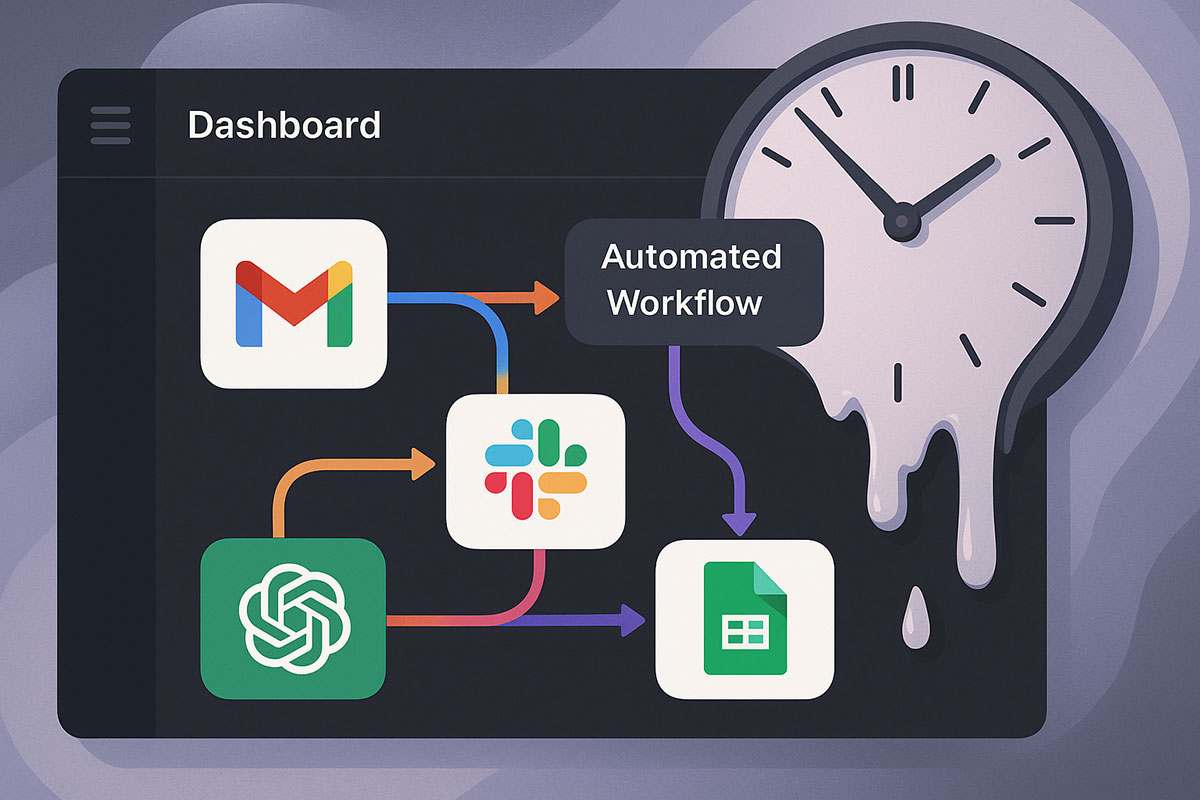
Tools: Gmail + ChatGPT API + Google Sheets + Slack
Workflow:
- Trigger: New email arrives in specific Gmail label or with specific keywords
- AI Action: ChatGPT analyzes email content to determine:
- Urgency level (high/medium/low)
- Category (support/sales/billing/general)
- Sentiment (positive/neutral/negative)
- Decision Point: Route based on analysis:
- High urgency → Create Slack alert for immediate response
- Sales inquiry → Add to CRM with auto-response
- Billing issue → Route to finance team with summary
- Documentation: Log all actions in Google Sheets for tracking
Template 2: Automated Social Media Content Engine
Use Case: Transform blog posts into multiple social media formats automatically.
Tools: RSS Feed + ChatGPT API + Buffer + Canva API
Workflow:
- Trigger: New item in company blog RSS feed
- AI Action: ChatGPT generates:
- 3 Twitter/X threads with different angles
- 2 LinkedIn post variations
- 5 Instagram captions with hashtag suggestions
- 1 email newsletter summary
- Multi-channel Distribution:
- Send Twitter threads to Buffer for scheduling
- Post LinkedIn variations directly via API
- Trigger Canva to create social images with captions
- Quality Check: Send to Slack channel for quick review before publishing
Template 3: Smart Meeting Assistant & Follow-up System
Use Case: Automatically summarize meetings and create action items.
Tools: Google Calendar + Google Docs + ChatGPT API + Slack
Workflow:
- Trigger: Google Calendar event ends (meeting completion)
- Data Collection: Access meeting transcript from recording or notes
- AI Processing: ChatGPT analyzes transcript to:
- Create structured meeting summary
- Extract key decisions and action items
- Assign owners and deadlines for each task
- Distribution:
- Save summary to shared Google Drive folder
- Send action items to Asana/Trello via API
- Post summary to relevant Slack channel
- Email participants with key takeaways
Template 4: Data Analysis & Reporting Automation
Use Case: Transform raw data into insightful business reports.
Tools: Google Sheets + ChatGPT API + Gmail + Google Slides
Workflow:
- Trigger: Scheduled (weekly/monthly) or when new data arrives in Google Sheets
- AI Analysis: ChatGPT analyzes dataset to:
- Identify trends, anomalies, and patterns
- Calculate key performance indicators
- Generate natural language insights
- Report Generation:
- Create formatted Google Doc with analysis
- Generate visualization suggestions for charts
- Build executive summary slide in Google Slides
- Distribution: Email report to stakeholders with priority highlights
Advanced AI Workflow Strategies for 2025
Once you've mastered the basics, consider these advanced approaches:
Multi-AI Orchestration
Don't limit yourself to one AI model. Build workflows that use different AIs for different tasks:
- Use ChatGPT for creative tasks and content generation
- Route data analysis to specialized models like Claude for accuracy
- Employ Gemini for research-intensive components
Conditional AI Routing
Create intelligent workflows that choose different paths based on AI analysis:
- Route customer inquiries to different departments based on sentiment analysis
- Escalate issues automatically when frustration is detected
- Adjust content tone based on audience analysis
Continuous Optimization Loops
Build feedback mechanisms into your workflows where AI can learn from outcomes and human corrections, continuously improving the quality of automated outputs.
Common Pitfalls and How to Avoid Them
Even well-designed workflows can fail without proper planning:
Over-Automation
Problem: Automating processes that require human judgment or personal touch.
Solution: Maintain human review points for critical decisions and customer-facing communications.
AI Hallucinations in Critical Paths
Problem: AI generating incorrect information that gets automatically published or acted upon.
Solution: Implement fact-checking steps, use multiple AI verifications for critical data, and build in human approval gates.
Cost Management
Problem: AI API costs spiraling with high-volume workflows.
Solution: Monitor usage closely, implement caching where appropriate, and use smaller models for simple tasks.
The Future of AI Workflows: What's Next Beyond 2025
The evolution of AI workflows is accelerating toward more autonomous and intelligent systems:
Self-Optimizing Workflows
Systems that automatically analyze their own performance, identify bottlenecks, and suggest improvements without human intervention.
Predictive Workflow Triggering
AI that anticipates needs based on patterns and initiates workflows before humans even recognize the requirement.
Cross-Platform Agent Collaboration
Multiple AI agents working together across different platforms and systems to accomplish complex objectives with minimal human direction.
Getting Started: Your 30-Day Implementation Plan
Ready to begin? Follow this structured approach:
Week 1: Audit your daily tasks and identify 2-3 automation candidates. Set up your accounts with Zapier/Make and get familiar with the interfaces.
Week 2: Implement one simple workflow (like the social media or email template). Test thoroughly and refine based on results.
Week 3: Add a second, more complex workflow. Focus on processes that currently take significant time each week.
Week 4: Review your automated workflows, measure time savings, and identify next candidates for automation.
Conclusion: Your Automated Future Starts Now
The technology to automate your most tedious tasks is here, accessible, and more powerful than ever. By combining no-code platforms with AI capabilities, you're not just saving time—you're fundamentally upgrading how you work. The templates and strategies in this guide provide everything you need to start building your automated workflow ecosystem today.
Remember: the goal isn't to replace human intelligence, but to amplify it. By letting AI handle the repetitive, you free up your most valuable resource—your attention—for the creative, strategic work that truly moves your business forward.
Related Reading
- 7 Ways AI Is Transforming Business Productivity
- AI Agents in 2025: Your Ultimate Guide to Automating Work and Life
- How Startups Use AI to Scale Faster in 2025
- 10 Best AI Productivity Tools in 2025 for Work and Study
About the Author
Girish Soni is the founder of TrendFlash and an independent AI strategist covering artificial intelligence policy, industry shifts, and real-world adoption trends. He writes in-depth analysis on how AI is transforming work, education, and digital society. His focus is on helping readers move beyond hype and understand the practical, long-term implications of AI technologies.