Introduction: Your Automated Future is a Click Away
Not long ago, building an AI app meant hiring a developer or spending months learning to code. Today, that barrier is gone. No-code AI app builders have democratized development, allowing anyone—project managers, marketers, entrepreneurs—to design and launch powerful AI tools.
The "custom GPT" and no-code revolution is exploding now because the tools have become both powerful enough for real work and simple enough for anyone to use. This guide will walk you through the entire process of building a personal AI assistant tailored to your professional needs, using the best no-code platforms of 2025. Whether you want to manage emails, conduct research, or qualify leads, you can build an assistant to handle it in an afternoon.
Why Build a No-Code AI Assistant in 2025?
Beyond the obvious thrill of creation, integrating a custom AI assistant into your workflow delivers tangible, bottom-line benefits.
- Cut Costs and Save Time: Traditional AI app development can cost between $20,000 to $200,000. With no-code tools, you can design and launch a functional assistant in minutes, for a fraction of the cost.
- Empower Non-Technical Pros: You are the expert on your own work. No-code AI puts the power to solve problems directly into your hands, freeing you from waiting for technical teams and allowing you to create hyper-specific tools.
- Fuel Rapid Prototyping: Have an idea for a business process? You can test it with a working AI assistant almost immediately, validating concepts before making any significant investment.
Your No-Code Toolbox: Top Platforms for 2025
Choosing the right platform is your first critical step. Each has its own strengths, so select one based on your comfort level and the complexity of the assistant you want to build. The following table compares some of the leading options.
| Platform | Best For | Standout Feature | Free Plan? |
| Airtable | Data-centric business apps | Conversational app building with its AI, Omni | Yes |
| Voiceflow | Conversational AI assistants & chatbots | Visual canvas for designing complex dialog flows | Yes |
| Lindy | General business AI agents | Pre-built templates for meeting prep, email triage, and content creation | No (Paid starts at $49/mo) |
| Relevance AI | Open-ended, tool-using agents | Build agents that can use other sub-agents for complex tasks | No (Paid starts at $19/mo) |
| Bubble | Building full-stack web apps | Deep customization for front-end and back-end | Yes |
Your Step-by-Step Blueprint to Building an Assistant
While each platform is different, the underlying process for creating your AI assistant is remarkably consistent. Follow these steps to go from idea to a fully functional digital colleague.
Step 1: Define Your Assistant's Core Purpose and Personality
Before you open a builder, you must know what you're building. A vague goal like "be helpful" will lead to a useless assistant. Be specific.
- Identify the Task: What single, repetitive task causes you the most friction? Is it scheduling meetings from your inbox? Summarizing long reports? Scouring the web for lead information? Start with one core function.
- Map the Workflow: Write down the exact steps a human would take to complete this task. For example, for lead management: 1) Check a specific email folder for new inquiries, 2) Extract the company name and website from the email, 3) Research the company online, 4) Summarize the company's business and potential fit, 5) Add this summary to a CRM or spreadsheet.
- Craft its Personality: Is your assistant formal and professional for client-facing tasks, or casual and witty for internal team updates? Tailoring the tone fosters a better connection with users.
Step 2: Select Your No-Code Platform and Start a Project
Based on your goal from Step 1, choose a platform from the table above. For a conversational chatbot, Voiceflow is ideal. For an agent that works across your email and docs, Lindy is a great choice. For this guide, we'll use a generic process that applies to most tools.
Sign up for your chosen platform and create a new project, often called an "assistant," "agent," or "workflow."
Step 3: Structure the Conversation and Logic
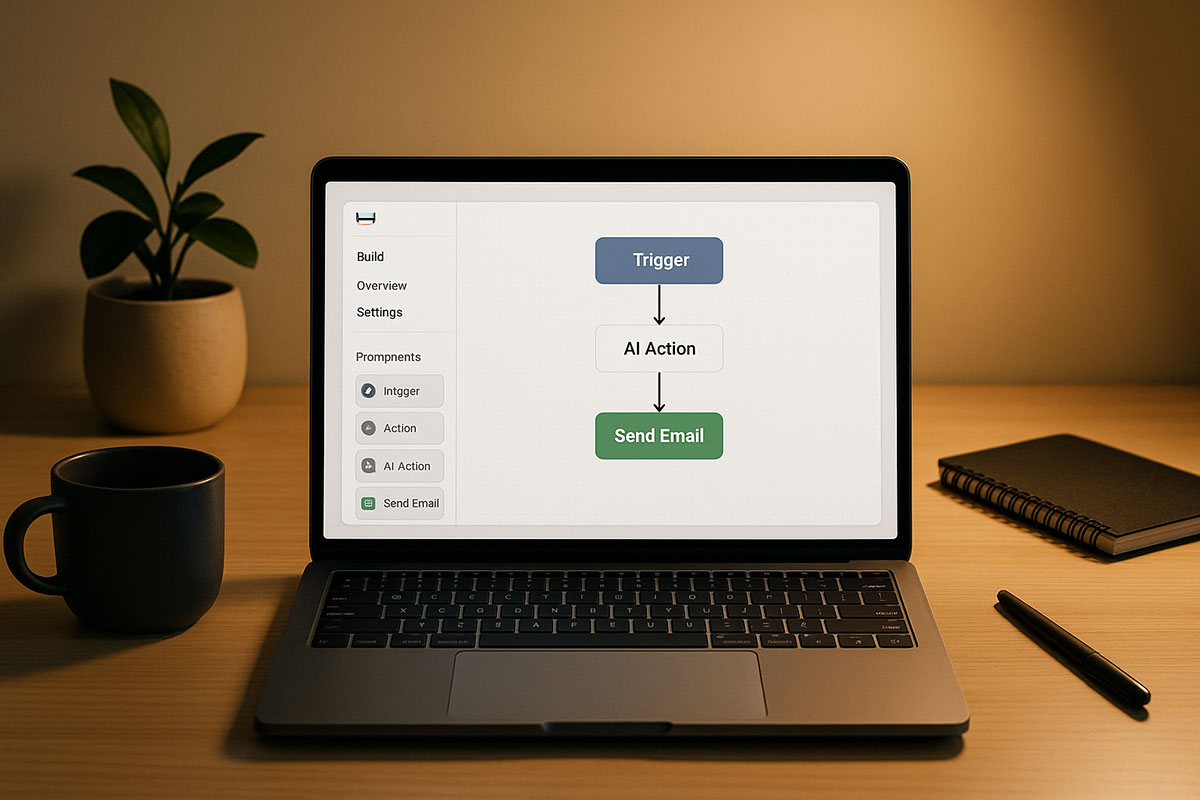
This is where you build the brain of your assistant. Using a drag-and-drop canvas, you will define how it interacts with the world.
- Set a Trigger: What event starts your assistant? It could be a new email in a specific folder, a posted message in a Slack channel, a form submission on your website, or a specific time of day.
- Generate Responses with AI: Drag an "AI Response" block onto the canvas. Here, you will give the AI its core instructions, known as a system prompt. This prompt is crucial. For a research assistant, your prompt might be: "You are a helpful research assistant. You will be given a company website URL. Your goal is to return a concise summary of what the company does, its target market, and any recent news."
- Capture User Input: Use a "Capture" or "Listen" block to save user responses or data from other apps into variables (e.g., `{user_input}` or `{lead_email}`). This allows your assistant to remember and use information throughout the conversation.
Here is a simplified example of what this logic might look like in a platform like Voiceflow or Lindy:
- Start -> When a new email arrives in "Promotions" with the subject "Webinar Invite."
- Capture -> Save the sender's name and the webinar date into variables `{sender}` and `{webinar_date}`.
- AI Response -> Prompt: "Draft a polite, one-sentence email declining the webinar invitation from `{sender}` about the event on `{webinar_date}`. Provide a reason of prior commitment."
- Action -> Send the drafted email as a reply.
Step 4: Integrate with Your Essential Tools
An assistant that can't interact with your apps is just a chatbot. The real power comes from integration.
Use built-in connectors to link your assistant to tools like Gmail, Google Sheets, Slack, Airtable, and Make/Zapier. For instance, your lead qualification assistant can be triggered by a Gmail event, use its AI to analyze the lead's website, and then write the results directly into an Airtable base or a Google Sheet. This creates a seamless, automated workflow that replaces manual copy-pasting.
Step 5: Test, Refine, and Launch
Thorough testing is essential. Run through your workflow multiple times with different inputs to see how the AI responds.
- Gather Feedback: Share a test link with a colleague and ask them to try to "break" it. Their fresh perspective will reveal confusing steps or gaps in the AI's understanding.
- Iterate on the Prompt: If the AI's responses are off-tone or inaccurate, don't give up. Refine the instructions in your AI Response block. Prompt engineering is an iterative process.
- Go Live: Once you're confident, flip the switch! Deploy your assistant. Most no-code platforms handle all the technical infrastructure, security, and hosting with a single click, making your app live instantly.
Advanced Automation: Connecting Your Assistant to Zapier/Make
To supercharge your assistant, connect it to automation giants like Zapier or Make. These platforms act as universal translators between thousands of apps. If your no-code AI builder doesn't have a direct integration with a tool you need, you can almost certainly connect them via Zapier.
Example Workflow: When your AI assistant finds a high-priority lead in your inbox, it can trigger a Zapier "webhook." Zapier then automatically creates a new contact in your CRM (like HubSpot), sends a personalized connection request on LinkedIn, and adds a task to your project management tool (like Asana). This creates a powerful, multi-app automation system that you built without a single line of code.
Conclusion: Your Journey Starts Now
Building a personal AI assistant is no longer a fantasy of the distant future. The tools available in 2025 are robust, accessible, and waiting for you to use them. By starting with a clear goal, choosing the right no-code platform, and following a structured build process, you can create a digital colleague that saves you hours each week, reduces mental load, and lets you focus on the high-impact work that only you can do.
Related Reading