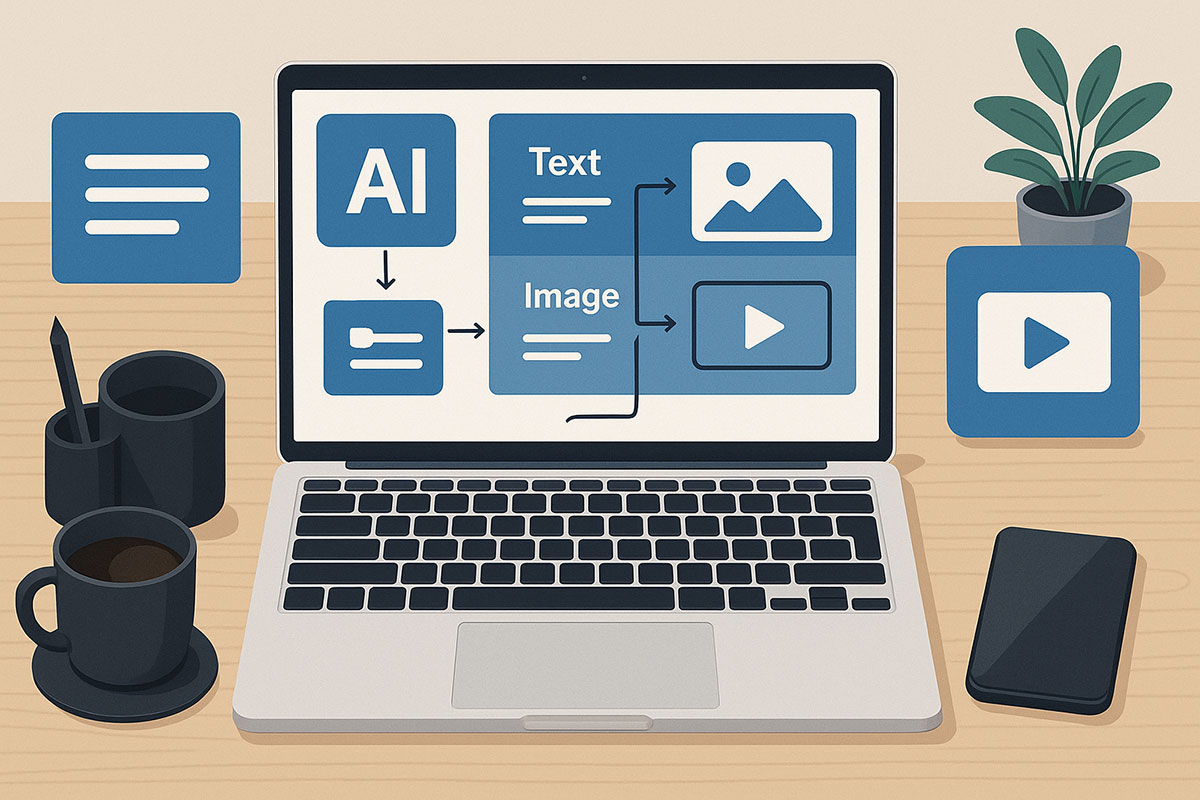
Introduction: The Free AI Content Revolution
In 2025, the landscape of content creation has been fundamentally transformed by the widespread availability of sophisticated generative AI tools offered for free by major tech platforms. What was once exclusively available to enterprises with substantial budgets is now accessible to individual content creators, bloggers, and marketers at no cost. This democratization of AI technology represents a seismic shift in how we approach content workflows, enabling automation of repetitive tasks while enhancing creativity and output quality. The growing availability of free AI tools from major clouds and platforms means that building an automated content pipeline is no longer a future possibility—it's a present-day reality that can be implemented immediately.
This comprehensive guide will walk you through the current ecosystem of free generative AI tools and demonstrate how to integrate them into a seamless content workflow. We'll explore practical applications for writing, image creation, and video editing, along with strategies for combining these tools into an efficient system that saves time while maintaining quality. Whether you're a solo blogger or part of a marketing team, understanding how to leverage these free resources can significantly enhance your content production capabilities.
The 2025 Free AI Tool Ecosystem: What's Actually Available
Before designing your automated workflow, it's essential to understand the current landscape of free AI tools. Major cloud providers and tech companies now offer substantial free tiers that provide more than enough capacity for most individual creators and small teams.
Free AI Writing and Content Assistants
For written content, several powerful options are available for free. Google Gemini offers a robust free plan that integrates with the broader Google ecosystem, making it ideal for research-heavy content creation and complex reasoning tasks. Its insanely large context window—supporting over 1 million tokens—means you can feed it lengthy documents and have nuanced conversations about your content. ChatGPT continues to offer a free tier with impressive capabilities for brainstorming, drafting, and refining content, along with file upload features that allow you to analyze documents and extract key information.
Claude provides a free plan that excels at producing clean, well-documented content and is particularly valued for its collaborative communication style. For those focused specifically on coding content or technical documentation, GitHub Copilot offers a free trial period that can significantly accelerate code-related writing tasks.
Free AI Image and Design Tools
The visual content sphere has seen remarkable advancements in free offerings. Google's Gemini 2.5 Flash Image model (often called Nano Banana) provides incredibly versatile image editing capabilities for free, allowing you to make sophisticated edits to existing images, transform styles, and generate new visual elements. GPT-4o includes free image generation capabilities that have overcome previous limitations like text rendering within images, making it suitable for creating blog graphics and social media visuals.
While Midjourney primarily operates on a paid model, it does offer limited free trials, and its distinctive painterly aesthetic remains valuable for certain types of visual content. For completely free open-source image generation, Stable Diffusion provides powerful customization options for those willing to navigate its slightly more technical setup.
Free AI Video and Audio Tools
Video content, traditionally the most resource-intensive format, now has compelling free AI options. Google Veo offers free credits through Google AI Studio, allowing you to generate creative AI videos, particularly useful for creating b-roll and supplemental visual elements. OpusClip provides a free tier that's excellent for repurposing long-form video content into engaging short clips optimized for social media platforms, complete with automated captions and hook detection.
For audio enhancement and transcription, Google Cloud's Speech-to-Text API offers 60 minutes of free transcription per month, while their Text-to-Speech API provides 1 million free characters monthly using the high-quality WaveNet voices. These tools can dramatically streamline the process of creating transcribed content and adding voiceovers to videos.
Building Your Automated Content Workflow: A Step-by-Step Guide
Simply having access to these tools isn't enough—the real power comes from integrating them into a cohesive workflow. Here's how to structure your automated content creation process using entirely free tools.
Phase 1: Content Planning and Research
Begin by leveraging AI to streamline your planning process. Use Google Gemini with its internet connectivity to research trending topics in your niche and identify content gaps. Its ability to process enormous amounts of information makes it ideal for competitive analysis and audience research. For instance, you can prompt it to "analyze the top-performing content in [your niche] and suggest five unique angles that haven't been extensively covered."
Next, use ChatGPT to develop comprehensive content outlines based on your research findings. The free tier's document upload feature is particularly useful here—you can provide existing content and ask for suggestions on how to expand or update it. Create a structured process where Gemini handles the external research and ChatGPT focuses on structuring the content based on that research.
Phase 2: Content Creation and Drafting
With your outline ready, implement a multi-stage drafting process. Start with Claude for initial drafting, as it excels at creating well-structured, coherent content with appropriate tonal consistency. Its tendency toward thoroughness ensures you don't miss important aspects of your topic.
Then, use ChatGPT to add creative flourishes, engaging hooks, and stylistic variations. The different strengths of these models create a natural editing and enhancement pipeline. For technical content or code snippets, GitHub Copilot can generate accurate examples and documentation.
Phase 3: Visual Content Generation
Align your visual content creation with your written content. Use Google's Nano Banana to create custom images that match your content's theme, or edit existing stock images to better fit your context. Its precise editing capabilities allow you to maintain visual consistency across your content portfolio.
For more artistic or conceptual imagery, GPT-4o's image generation can create original graphics based on detailed descriptions from your article. Create a brand style guide for your AI image tools, including consistent prompts for color schemes, composition styles, and visual elements that align with your branding.
Phase 4: Video Content and Distribution
Repurpose your written content into video format using OpusClip if you have existing video content, or plan new video content using Google Veo for generating initial visual elements. The key is to use AI video tools to create multiple content formats from a single core idea—turning a blog post into a video script, then into multiple social media clips.
Use Google's Text-to-Speech for adding voice narration to videos when recording your own voice isn't practical. The free tier provides more than enough capacity for regular short-form video content.
Advanced Workflow Automation: Connecting Your Tools
To truly automate your content workflow, you need to connect these AI tools into a seamless system. While advanced automation platforms like Lindy.ai and Gumloop offer sophisticated workflow capabilities (starting at $49/month and $97/month respectively), there are free alternatives for connecting your AI tools.
n8n.io offers a free tier that can connect various AI services through API integrations. You can create workflows that automatically take the output from one AI tool and process it through another, then format it for publication. For example, you could build a workflow where:
- Google Gemini researches trending topics and generates content ideas
- Claude develops these ideas into outlines
- ChatGPT writes the first draft based on the outlines
- GPT-4o creates featured images based on the content
- The complete package is saved to Google Drive or directly to your CMS
For those less technically inclined, Scribe offers a free workflow generator that can document and standardize your content processes, ensuring consistency even when using multiple AI tools.
Maximizing Your Free Limits: Strategy and Rotation
While these tools offer generous free tiers, efficient usage requires strategy. The table below outlines key free limits and optimization strategies for major AI content tools in 2025:
| Tool | Free Monthly Limit | Optimization Strategy |
| Google Cloud Translation | 500,000 characters | Use for translating research sources, not final content |
| Google Speech-to-Text | 60 minutes | Transcribe only key video segments, not full videos |
| Google Text-to-Speech | 1M WaveNet characters | Reserve for final videos, use standard voices for drafts |
| Google Veo | Limited free credits | Use for key visual sequences rather than full videos |
| ChatGPT | With daily limits | Use for high-value tasks like ideation and refinement |
Implement a tool rotation strategy based on your monthly content needs. When approaching limits on one platform, switch to alternative tools with similar capabilities. For instance, if you reach your ChatGPT usage cap, shift to Google Gemini for brainstorming and Claude for drafting. This approach ensures continuous productivity throughout your content cycle.
Quality Control in AI-Automated Workflows
Automation shouldn't come at the cost of quality. Implement these checkpoint strategies to maintain standards:
Human-in-the-Loop Review Process
Even with the most advanced AI, human oversight remains crucial. Establish clear review points in your workflow where you evaluate AI-generated content for accuracy, brand voice consistency, and value. The most effective automated workflows position AI as a collaborative tool rather than a replacement for human creativity.
Cross-Tool Verification
Use different AI tools to verify and enhance each other's output. For example, after ChatGPT generates content, ask Google Gemini to fact-check specific claims or suggest additional perspectives. This multi-model approach reduces the risk of errors or hallucinations that can occur with any single AI system.
Consistency Maintenance
Create detailed brand guidelines and style guides that you provide to each AI tool at the beginning of sessions. This ensures consistent terminology, tone, and style across all your automated content, regardless of which AI tool generated it.
Future-Proofing Your AI Content Strategy
The landscape of free AI tools continues to evolve rapidly. Stay adaptable by regularly exploring new tools and features, while maintaining a core set of proven workflows. The expansion of free offerings from major platforms suggests that even more capabilities will become accessible without cost, particularly as competition in the AI space intensifies.
As you build more sophisticated workflows, consider specializing in niche AI tools that address specific content needs in your field. The broader ecosystem is developing specialized AI for every conceivable content type, from technical documentation to interactive media.
Related Reading