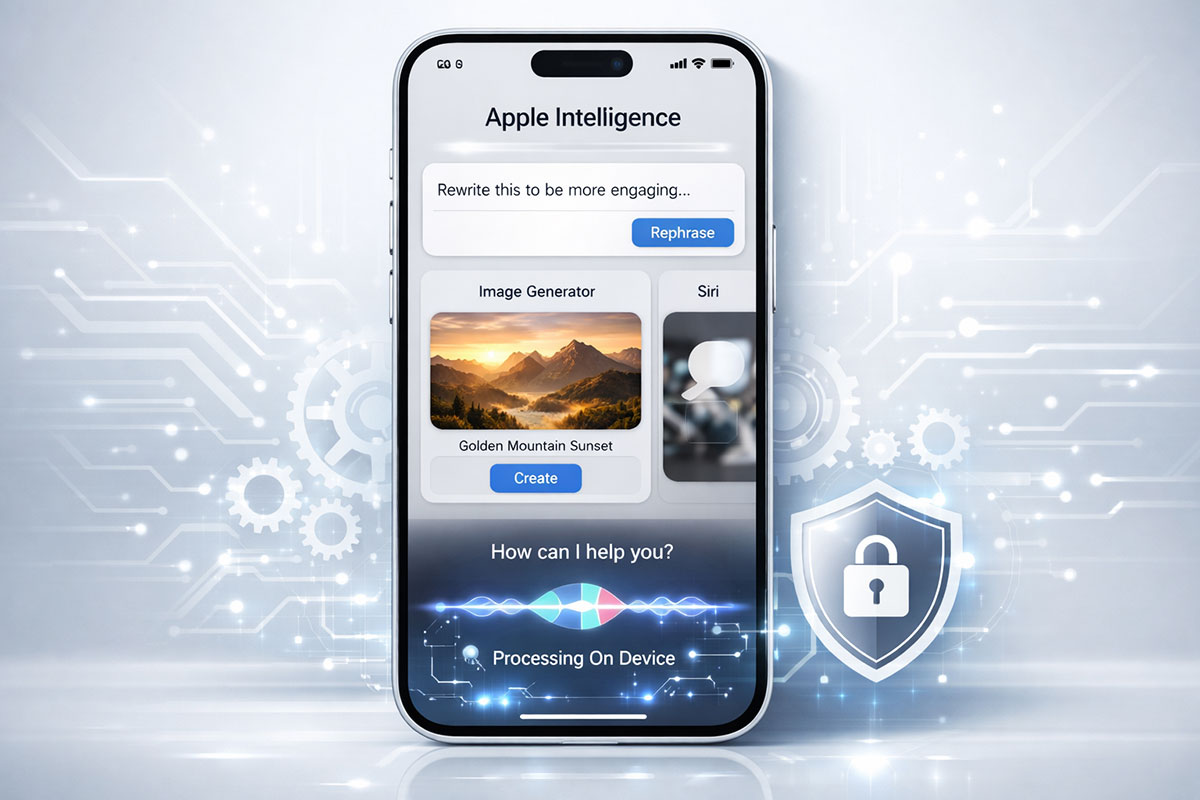
Apple's AI Bet: Privacy Over Capability
Apple released iOS 18.2 this week, and with it came a significant expansion: Apple Intelligence is now available in seven countries instead of just the United States. For the first time, users in Australia, Canada, New Zealand, South Africa, the UK, and parts of Asia can access Apple's AI-powered features.
But there's a catch. Apple's AI strategy is deliberately conservative. While ChatGPT and Google Gemini compete on raw capability—who can write better code, generate more realistic images, analyze more complex data—Apple is competing on something different: privacy.
This distinction matters. It affects what features you get, what you can do, and whether Apple Intelligence is worth your time and storage space.
What Apple Intelligence Actually Does (And Doesn't)
Apple Intelligence isn't a general-purpose AI assistant like ChatGPT. It's a specialized tool that integrates into your iPhone, iPad, and Mac to handle specific, predictable tasks.
Writing Tools (The Bread and Butter):
This is Apple Intelligence's strongest feature. Available in Mail, Notes, Messages, and third-party apps, Writing Tools let you:
Proofread: Select text and have it checked for grammar, spelling, word choice, and sentence structure. Unlike basic spell-check, this understands context. Apple's system can catch subtle errors that traditional tools miss.
Rewrite: Change the tone of your writing from casual to professional, concise to detailed, or friendly to formal. This is genuinely useful. If you draft an email that's too harsh, you can instantly soften it. If your notes are rambling, tighten them up.
Summarize: Take long documents, emails, or articles and get concise summaries. This works on texts, articles, notifications, and web content. It's context-aware, meaning it understands what matters in the context of your personal life.
Compose: Generate original text based on descriptions. (This feature integrates ChatGPT as an option, which we'll discuss later.)
For students, professionals, and anyone who writes regularly, these tools are legitimately valuable. They save time and improve quality without requiring you to switch between apps.
Image Generation (Weaker Than Competitors):
Apple Intelligence includes two image tools: Image Playground and Genmoji.
Image Playground lets you generate images by describing them or uploading a photo as reference. You can select from styles like Animation (the default) and Illustration. Apple removed the "Sketch" style from iOS 18.2's launch, promising it later.
Here's the limitation: Image Playground won't generate realistic images of people. If you ask it to create a portrait of a person, it creates stylized, artistic versions—think cartoon or illustration style. This is an intentional choice. Apple is avoiding the complications of realistic human image generation (deepfakes, impersonation, copyright issues).
Genmoji is the fun addition. Create custom emoji by describing them. You can include people in Genmoji, but they're stylized, not photorealistic. If you want to create an emoji of yourself, you're getting an artistic representation, not a selfie-like copy.
By comparison, ChatGPT's DALL-E and Google's Gemini can generate photorealistic people, objects, and scenes. Apple's approach is less impressive but intentionally limited.
Smarter Siri:
Siri has been reimagined. It now understands context and can follow up on previous requests.
Example: "What's on my calendar next Thursday?" Then follow up: "Reschedule that meeting to Friday."
Old Siri would be confused. New Siri remembers the first request, finds the meeting, and moves it. This might sound basic, but it's a meaningful upgrade. Siri can now handle multi-step tasks, access your personal information contextually, and maintain conversational continuity.
The privacy hook: all this happens on-device. Siri doesn't need to send your calendar to a server to figure out what "that meeting" means. It already knows.
Other Features:
Priority Notifications filter your alerts to show only what's important. Cleaner visual design. Better integration with Shortcuts for automation. None of these are flashy, but together they make your phone feel smarter without being intrusive.
Apple Intelligence Availability: Who Can Use It and Who Can't
Compatible Devices:
Only newer iPhones run Apple Intelligence: iPhone 15 Pro, iPhone 15 Pro Max, and all iPhone 16 models. The base iPhone 16 qualifies, but older iPhone 15 and iPhone 15 Plus do not. iPad Air (M1 or later), iPad Pro (M1 or later), and iPad mini (A17 Pro) also support it. On Mac, any model with M1 or later works.
The reason for this limitation: memory and processing power. Apple Intelligence's on-device models require approximately 3GB of RAM and significant Neural Engine performance. Older devices don't have this capacity.
Geographic Availability:
iOS 18.2 expands Apple Intelligence to:
- Australia (English)
- Canada (English)
- New Zealand (English)
- South Africa (English)
- United Kingdom (English)
In 2025, Apple plans to add: German, Italian, Korean, Portuguese, Vietnamese, English (India), and English (Singapore).
But here's the significant regional limitation: Apple Intelligence is not available in the European Union. Due to the Digital Markets Act (a regulation requiring Apple to open iOS to third-party apps and services), Apple has restricted Apple Intelligence to Macs in the EU. iPhone and iPad users in Europe don't get access yet.
Apple is in discussions with the European Commission about potentially expanding this, but for now, EU iPhone users are excluded.
How Private Is Apple Intelligence? (The Real Story)
Apple's marketing emphasizes "privacy" so heavily that it deserves scrutiny. What does "private" actually mean in this context?
On-Device Processing:
For most writing tools and Siri tasks, processing happens entirely on your phone. Your calendar stays on your phone. Your messages stay on your phone. Your photos stay on your phone. Apple's AI models run locally, using your device's Neural Engine, not cloud servers.
This is a genuine privacy advantage over ChatGPT and Gemini, which send data to their respective company servers.
But here's the caveat: "on-device" doesn't mean "completely offline." Your phone still needs to communicate with Apple's services to verify you have a valid subscription, check for feature updates, and handle other backend tasks.
Private Cloud Compute (The Compromise):
For more complex AI tasks, Apple uses "Private Cloud Compute." When on-device processing isn't sufficient, your request goes to Apple's servers. But here's the promise: these servers run on Apple Silicon, encrypt your request, process it, and immediately delete it. Nothing is permanently stored.
Apple claims these servers are "hardened and audited," but independent verification is limited. You're trusting Apple's word. For most use cases, this is probably fine. But if you're sharing extremely sensitive information, understand that it briefly leaves your device.
Comparison to Competitors:
- ChatGPT: Uses your data to train models and for targeted advertising through partnerships. Data is retained by default.
- Google Gemini: Stores data for 18 months (adjustable to 3 or 36 months). Uses data to improve Google's services.
- Apple Intelligence: On-device when possible; cloud data deleted immediately. No data used for advertising or training on user queries.
Apple's approach is more privacy-focused. But calling it "completely private" oversimplifies. Your on-device data could theoretically be extracted through a compromised device. Cloud requests, though deleted by Apple, could be intercepted during transmission.
Privacy is relative. Apple's approach is better than competitors, but not absolute.
Apple Intelligence vs. ChatGPT vs. Gemini: The Real Comparison
| Feature |
Apple Intelligence |
ChatGPT |
Google Gemini |
| Processing |
On-device first; Private Cloud Compute for complex tasks |
Cloud-based primarily |
Cloud-based, some mobile processing |
| Real-time Info |
Limited; must rely on device data |
Has web search capability |
Deep Google Search integration |
| Coding Help |
Basic; not specialized |
Advanced; excellent for complex programming |
Strong; Google Workspace integration |
| Image Generation |
Artistic only; no photorealistic people |
Photorealistic via DALL-E |
Photorealistic via Imagen |
| Data Retention |
Immediate deletion (Private Cloud) |
30 days default; longer if stored |
18 months default (adjustable) |
| Privacy Design |
Privacy-first |
Functionality-first |
Mixed; privacy + functionality balance |
| Cost |
Free for compatible devices |
Free + $20/month Premium |
Free + Google One subscription |
| Enterprise Features |
Limited at launch |
Strong; Workspace integration |
Strong; Google Workspace integration |
Which Should You Use?
- For writing and quick summarization: Apple Intelligence if you have a compatible device.
- For research, coding, and creative work: ChatGPT (particularly GPT-4 with web search).
- For Google Workspace integration and productivity: Gemini.
- If privacy is your paramount concern: Apple Intelligence on-device features, with limitations accepted.
Most people will end up using multiple AI tools depending on the task. This isn't failure for Apple. It's recognition that different tools serve different purposes.
What Apple Intelligence Can't Do (And Why)
Apple Intelligence is deliberately limited. These aren't bugs; they're features.
No Real-Time Web Search: Unlike ChatGPT and Gemini, Apple Intelligence can't search the web. It works with information on your device. This keeps everything private but limits its usefulness for current events or fact-checking against new information.
No Complex Reasoning: Apple's models are optimized for on-device efficiency, not maximum capability. For complex math, logic puzzles, or abstract reasoning, ChatGPT is more powerful.
No People Images: As mentioned, Image Playground won't generate photorealistic people. This is intentional, avoiding deepfake concerns and copyright complications.
No Third-Party Integration (Yet): Apple Intelligence works within Apple apps primarily. Third-party developers are beginning to integrate it, but adoption is slow.
No Voice Conversation (Like ChatGPT's Voice Mode): Siri is improving, but it's not designed for long, flowing conversations like ChatGPT's voice mode.
These limitations are features masquerading as limitations. Apple is choosing a focused experience over a broad one.
Should You Enable Apple Intelligence?
Depends on your device and use case.
Enable It If:
You have an iPhone 16, iPhone 15 Pro, or compatible iPad or Mac. You write frequently (emails, notes, messages) and would benefit from proofreading and rewriting. You're concerned about privacy and willing to accept functional limitations. You're in one of the supported countries and regions.
Skip It If:
You're outside supported regions or using older devices. You need advanced AI capabilities like real-time web search, complex coding assistance, or photorealistic image generation. You rely on deep integrations with Google Workspace or other non-Apple services.
The Bigger Picture: Where Apple Is Positioning Itself
Apple's strategy isn't to out-ChatGPT ChatGPT. It's to embed AI into the operating system in ways that competitors can't. Every iPhone, iPad, and Mac becomes smarter without requiring users to switch apps or upload their personal data.
This is a long-term play. In the next year, as Apple expands Apple Intelligence to more regions, more languages, and more devices, this strategy will become clearer. Apple is betting that most people will choose an AI experience that respects their privacy, even if it's less capable in specific areas.
For now, iOS 18.2 is the beginning. The feature set is limited. But the direction is clear: AI so integrated into your device that you barely notice it's there, and so private that you never worry about what's being collected.
Whether that's what you want is a personal decision. But the option is finally available to billions more people this week.